
It is not often that we forget the passcode or the screen pattern of our very own smartphones. Now, when that happens, it becomes a hassle to unlock a device without losing our valuable data inside the phone. However, if you’re using a Samsung device, there is this nifty way to unlock the device without losing any data.
Now, let me tell you how you can unlock your Samsung device when you forget your password or screen pattern without losing any data. The important thing to note here is that you must have a Samsung account to use this trick and keep your Samsung device registered with that account.
How to Unlock Samsung Device Without Losing Data
So, we will use Samsung’s “Find my Mobile” service to perform the procedure. Follow along with these steps to unlock any Samsung phone:
- First, we need another device other than the locked Samsung device to access Samsung’s “Find my Mobile“.
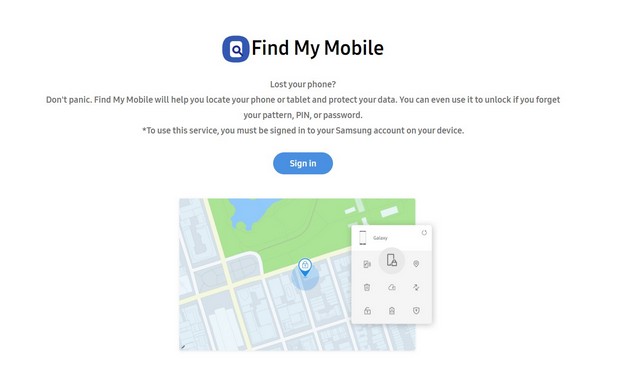
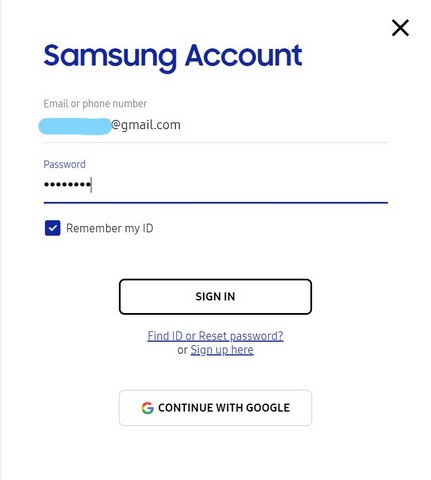
- Once you go to the above page, sign in using your Samsung ID and password.
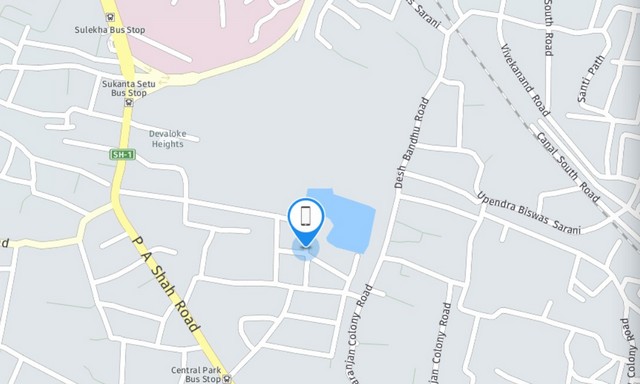
- Now, once you successfully log in to your account, you will find your registered device(s) located on a map.
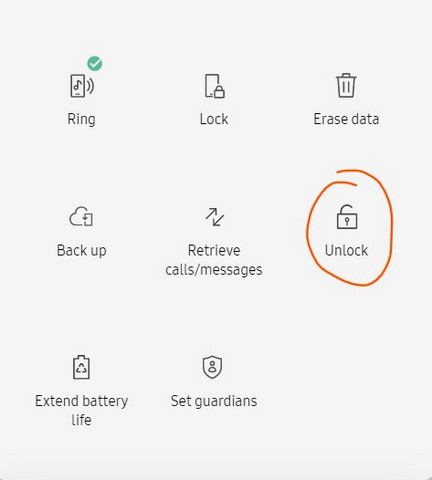
- At the right side of the screen, you will find an array of actions to perform on your Samsung device remotely.
- From these options, you’d want to select the “Unlock” option.
- Confirm your action by clicking the “Unlock” button on the dialog box.
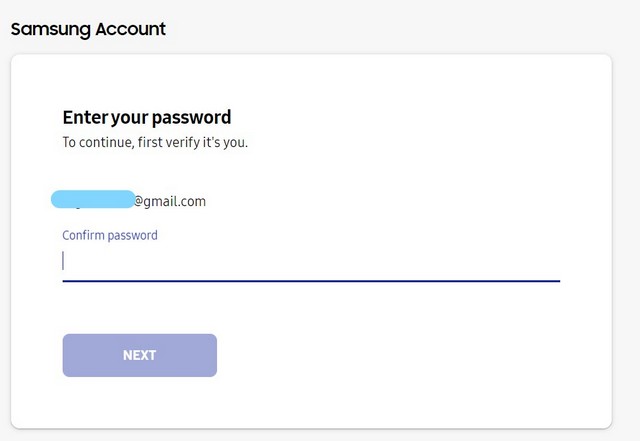
- Put in your Samsung account credentials and click “Next”.
- Voila! You’re inside your Samsung device without the loss of any valuable data other than the password data.
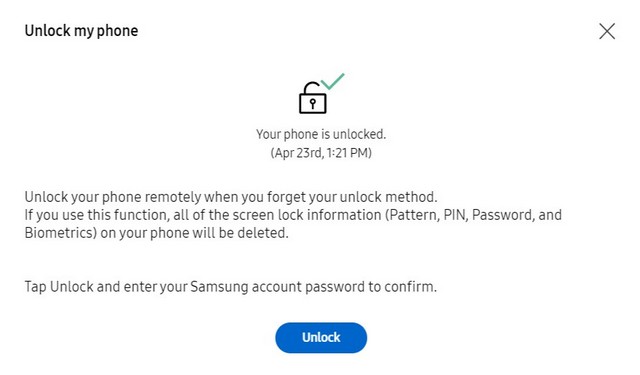
So, this is one of the easiest ways to unlock a Samsung device when you forget its password. This essentially deletes all the password data that are stored in your device and other than that, all other data remains intact. So, after you get inside your device, you can set a new password, which hopefully you won’t forget anytime soon.