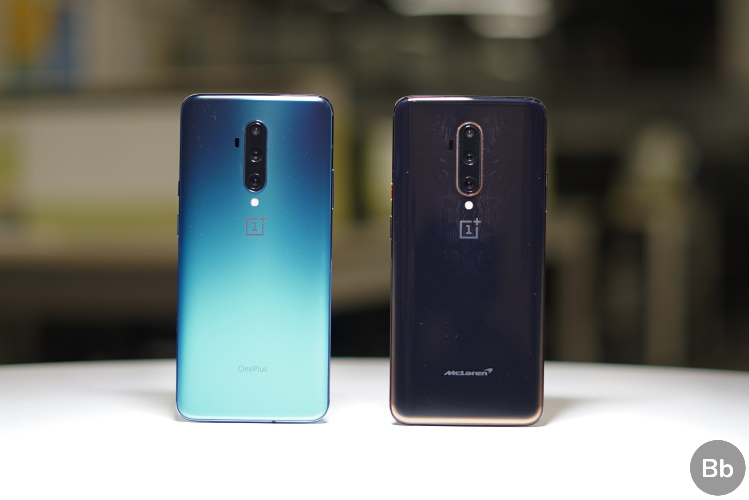
OnePlus started its open-beta program for the OnePlus 7T series last week that brought Android 10’s Live Caption feature and now, the company is rolling out the second open beta for OnePlus 7T series and 11th open beta for OnePlus 7 series with Instant translation feature that was announced during the launch of the OnePlus 7T Pro last October.
Instant translation feature generates real-time subtitles during video calls. According to OnePlus, the feature supports five languages at launch namely English, French, German, Hindi, and Chinese.
As pointed out by XDA, the feature can be accessed from OnePlus Laboratory via Settings -> Utilities -> OnePlus Laboratory. Once you enable the toggle, a tile will appear in your quick settings from where you can quickly enable/disable the feature. You get the option to set your language and the other party’s language in Instant translation’s settings page. The feature even has a toggle that lets you disable subtitles for your speeches and translate the speeches just for the person at the other end.
The update also brings March security patches, fixes frame rate issues in screen recording, prevents random switches to Gboard while using third-party keyboard apps, and optimizes adaptive brightness. Below is the official changelog.
- System
- Fixed the frame rate issue to improve screen recording experience
- Updated Android Security patch to 2020.03
- Fixed the random switch to Gboard while using SwiftKey or a 3rd party keyboard
- Optimized the adaptive brightness features
- Instant translation
- Added Instant translation feature, Provides real-time subtitles during video calls, supports 5 languages (English, French, German, Hindi, and Chinese)
The links to download the latest open beta can be found on OnePlus Forums for OnePlus 7/7 Pro and OnePlus 7T/7T Pro. You can download the file based on your device model and do a local upgrade if you’re interested.
As always, to perform a local upgrade, download the zip file to your phone, go to Settings -> System -> System Updates -> Local upgrade. Restart your phone after the process is complete. Do not forget to backup your data before proceeding with the upgrade. Also, do keep in mind that rolling back to the stable version will erase the data on your phone.