The new Microsoft Edge not only has a new logo but also comes with a whole lot of new features. As the company switched to the Chromium-based engine for the new Edge, it now supports extensions from the Chrome Web Store. However, this article is not about any utility features of the browser, but it is for anyone who likes to personalise their experience by adding a customised theme. Yes, Microsoft Edge now supports Chrome themes that will completely change the look of the browser. Well, kinda!
Now, it is important to note that the feature is currently only available for the Canary build of the browser. However, the Standard version will be getting the support very soon. So, to get this feature, make sure to download the latest Canary build of the Microsoft Edge. You can get it from here.
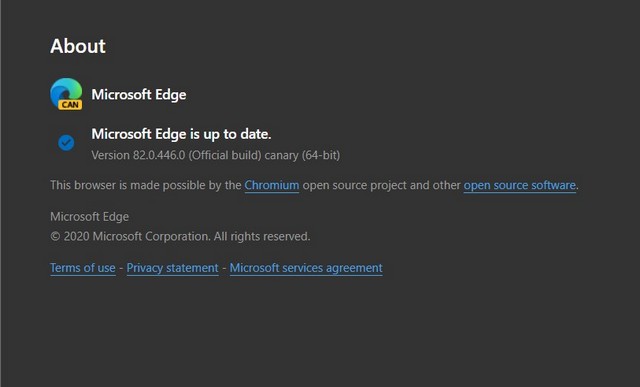
Now that you have downloaded it, follow the steps below to get started:
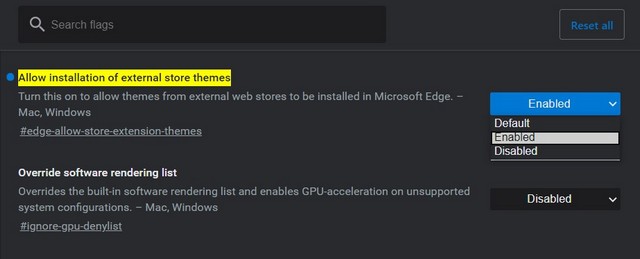
- First of all, you’ll have to allow the browser to add themes and extensions from external stores. To do this, go to this address: edge://flags/#edge-allow-store-extension-themes
- On this screen, select the option “Enabled” from the drop-down menu to the right of “Allow installation of external store themes”.
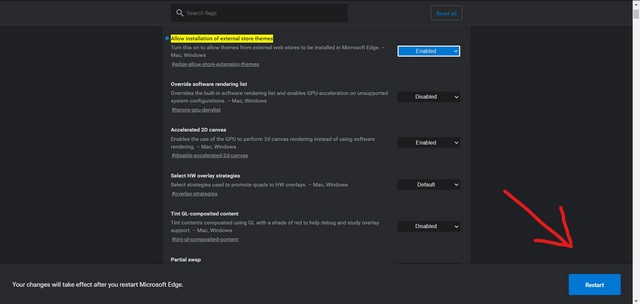
- Once you enable the option, click the “Restart” button at the bottom of the screen. This will restart the browser and apply the necessary changes.
- Now you’re basically set to add your favourite Chrome theme to Microsoft Edge. Just go to the themes gallery of the Chrome Web Store and start adding themes.
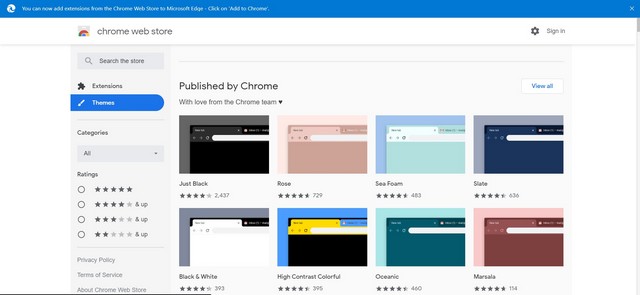
Now, do take note that the theme you add will only be visible on the upper toolbar of Microsoft Edge. Unlike in Chrome, where opening a new tab will show the whole theme (picture below), opening a new tab in Edge will not show the whole theme on the page.
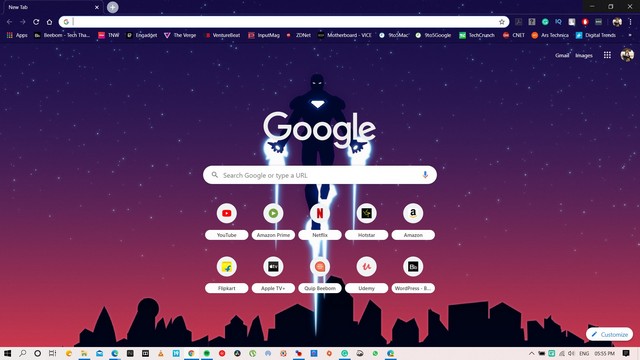
Well, that is surely a bummer!