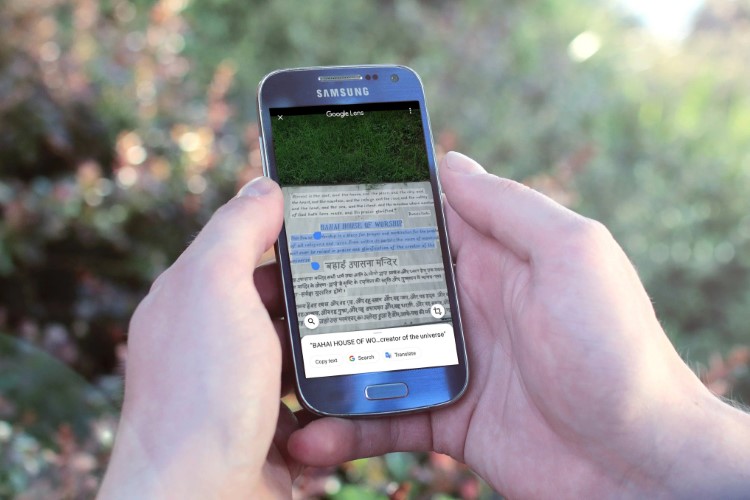
Google is actively implementing new features in Google Photos, thanks to the software giant’s expertise in AI. The company has been playing around with AI in the photos we have backed up to the cloud by automatically generating Albums, Movies, Collages, and Animations. Amidst all these fancy features, Google has silently started rolling out a useful update to its Optical Character Recognition (OCR) technology that will allow you to copy, search, and translate text in images straight from Google Photos app.
The feature was spotted by Twitter users following which Google confirmed the existence of the same in a tweet from its official Google Photos handle. However, it is worth noting that this feature was already available in the Google Lens app and this update has just enhanced the accessibility of the feature.
You spotted it! Starting this month, we’re rolling out the ability to search your photos by the text in them.
Once you find the photo you’re looking for, click the Lens button to easily copy and paste text. Take that, impossible wifi passwords 😏
— Google Photos (@googlephotos) August 22, 2019
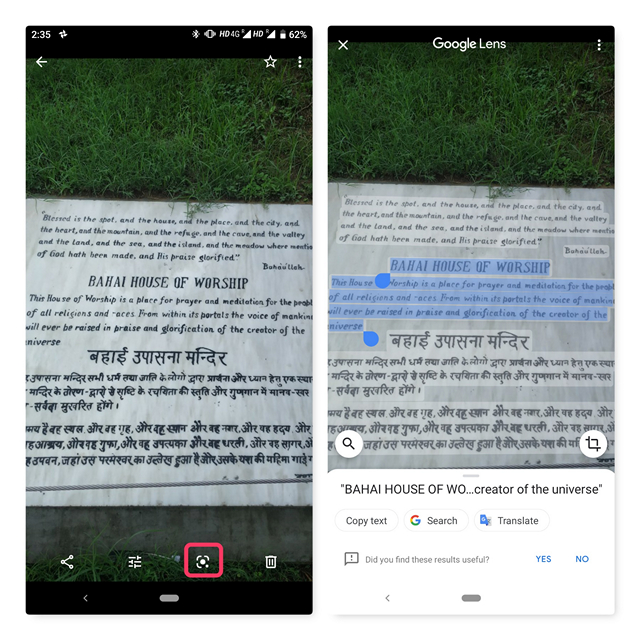
Using the feature is pretty much straightforward. Open the image from which you would like to copy/translate text from and tap on the Lens button. You can then select the text from the image in a couple of seconds once Google Lens is done with processing the image. Take a look at the below image for better understanding.
It remains unclear why Google decided not to make a dedicated blog post for this feature as it would be useful for a lot of people. However, the feature has started rolling out this month which means you probably have this feature without you even realizing it. If you are unable to use the feature, make sure you’ve updated to the latest version of Google Photos available on the Play Store.
With this new feature, Google has leveled up its game in OCR. Now that we can copy text from images, I hope Google adds a feature that will allow us to find images in Google Photos by searching the text in them straight from the search box
So, did you get this new OCR feature in your Google Photos app, and if you did, do yo u like it? Let us know in the comments.