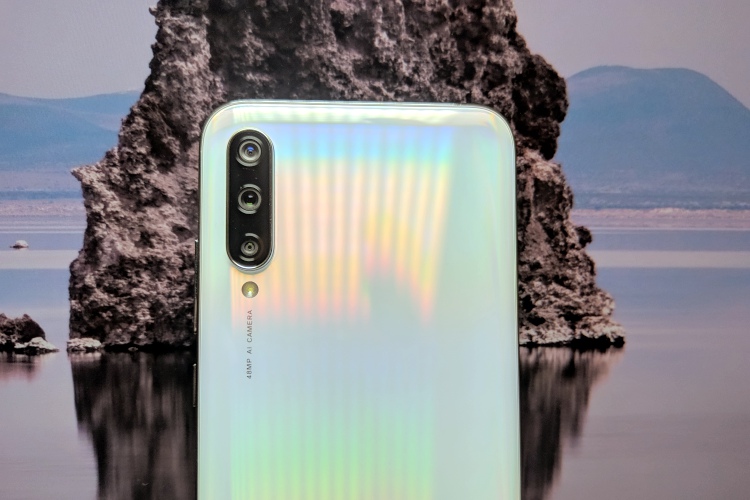
Xiaomi recently expanded its Android One portfolio with the launch of the Mi A3 in India, offering users an AMOLED display, triple cameras, and a pure Android experience out-of-the-box. The smartphone comes with a 48MP primary sensor and Xiaomi’s stock camera app to present you a myriad of features, but we all know that Google Camera mods are popular for a reason. They just capture better pictures, with more details and enhanced dynamic range when compared to the stock camera app.
So, if you are planning to get yourself a Mi A3, I bet you would go around looking for the best Google Camera mod for the device. Well, let me help you out and put an end to this search before it starts off. Find attached below a working GCam mod link, steps to install the mod, and some camera samples from it:
Get GCam Mod on Mi A3
We did testing for a number of popular Google camera mods, including Arnova8G2, BSG, and more. We found the mods from cstark, called Camera PX, to be the most stable and snappy while clicking photos. Most of the features including Night Sight worked perfectly fine on this mod, except for slow-motion video capture.
Steps to Install GCam on Mi A3
1. First of all, download the GCam mod APK for Mi A3 from this link right here. You may need to allow installation of apps from third-party sources if you haven’t already for the browser you use to download the file.
2. You will need to disable the motion photos option for this GCam mod to work without crashing. You don’t need to touch the saturation, contrast, or other library settings as it works perfectly fine.
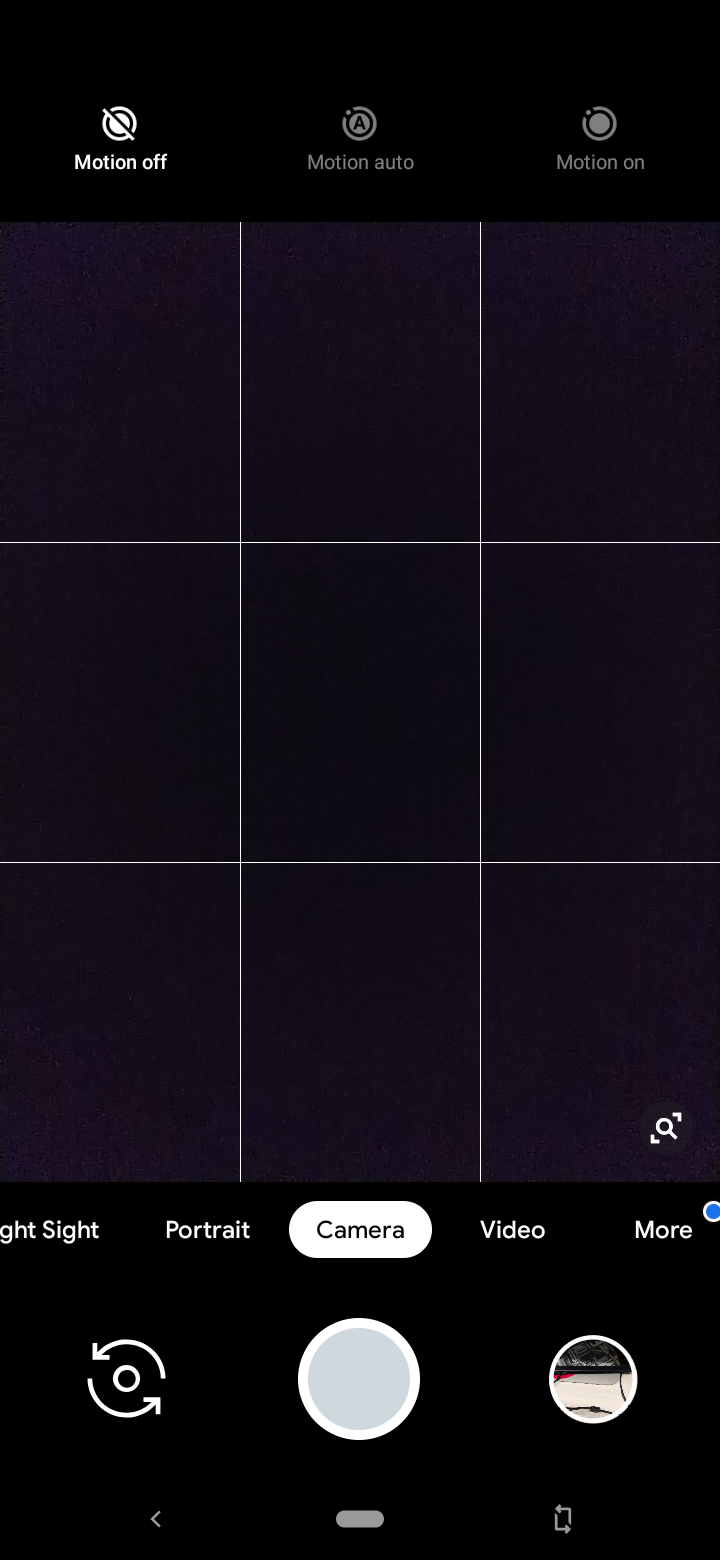
3. Now, you’re all set to take stunning photos from your Mi A3 using the Google Camera mod. Here are a few samples captured using GCam: 





SEE ALSO: How to Install Google Camera (GCam) on Realme 5 Pro
Take Stunning Pictures with Google Camera on Mi A3
Xiaomi’s Android One-backed Mi A3 smartphone has a stunning triple-camera setup that opens up a wide variety of possibilities for users. However, we know the Google Camera improves on the experience, offering you the capability to click even better pictures with more detail, sharpness, and accurate colors.
So, if you’re looking to elevate the photo-capturing experience on the newly launched Mi A3, then go ahead and download the GCam mod on your smartphone right away. If you face any issues with the aforementioned Google Camera or have any better suggestions, then let us know in the comments below.